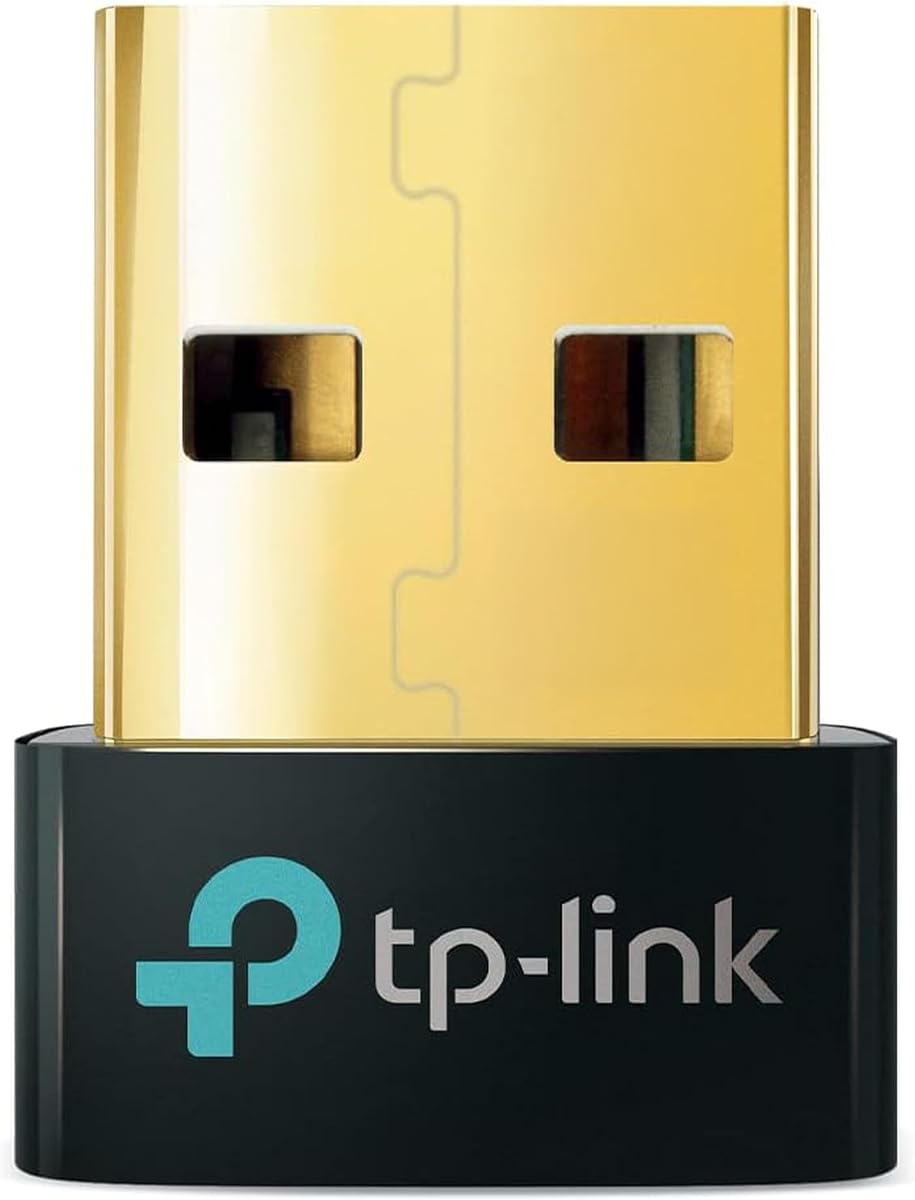
TP-Link UB500
4.5Editor score
Bluetooth 5.4 receiver
Windows 8.1 through 11
Compact nano-sized design
Explore the best Bluetooth Adapter for Psvr2 on PC, comparing PC adapters, USB dongles, compatibility, setup, stability, and included accessories for VR gaming.
Connecting PlayStation VR2 to a PC requires more than a basic USB Bluetooth receiver. The right hardware must handle headset data, controller communication, power delivery, and DisplayPort video while creating a stable bridge between the headset and SteamVR-compatible software.
This guide compares dedicated PSVR2 PC adapters with general-purpose USB and USB-C Bluetooth dongles. The evaluation considers the supplied compatibility claims, connection approach, included cables and power accessories, supported systems, Bluetooth version, and the practical role each device serves.
The selections reveal three different routes: complete PSVR2-to-PC adapters, standard Windows Bluetooth receivers, and USB-C audio transmitters. Each review explains the strongest use case and important limitations, while current pricing and availability should be checked before purchasing because they can change.
4.5Editor score

4.2Editor score
3.8Editor score
The table below separates complete PSVR2 PC adapters from Bluetooth receivers and audio-only transmitters, making it easier to identify the hardware that matches your PC configuration and intended use.




The STARTRC GAMES PSVR2 PC Adapter is a purpose-built bridge for bringing PlayStation VR2 to a Windows PC. Its 3.6 rating is the lowest among the ten products here, but that figure should be interpreted alongside the product's role: it is not a generic Bluetooth stick, but a complete video, power, data, and controller connection package.
We may earn a commission when you buy through this link, at no additional cost to you.
Its most distinctive feature is the custom Bluetooth receiver. The manufacturer specifically positions it as a solution for unstable PSVR2 controller connections, older PC Bluetooth versions, and unwanted disconnections. The kit also includes a DisplayPort 1.4 cable, a 15-watt Type-C power cable, the main PC adapter, and a user manual, reducing the need to source essential parts separately.
The adapter follows the same basic connection method as the official design and is intended to work with Steam and the free PSVR2 PC application available through Steam. That makes it relevant to owners who want access to PC VR games rather than merely adding generic Bluetooth connectivity to a desktop.
The main trade-off is its rating. Buyers should investigate the current reviews and support details before ordering, particularly if connection consistency is their top concern. Even so, this is a sensible option for someone seeking a single kit designed around PSVR2, SteamVR, DisplayPort video, stable controller pairing, and dedicated power delivery.
Unlike a standard PC dongle, the included receiver is specifically presented as a way to improve the PSVR2 controller connection over PC Bluetooth. That focused design makes this kit more relevant than a multipurpose USB receiver when the headset and its tracking controllers are the priority.
The DisplayPort cable, power lead, receiver, adapter, and manual are all supplied. This is especially helpful for first-time PC VR users because the core physical connection pieces are collected in one package.
We may earn a commission when you buy through this link, at no additional cost to you.
The TP-Link UB500 is a general-purpose Windows Bluetooth receiver with a 4.5 rating, making it one of the strongest-rated options in this guide. It is not a complete PSVR2-to-PC adapter, but it can serve as the PC-side Bluetooth receiver through which compatible controllers connect when the broader hardware link is already in place.
We may earn a commission when you buy through this link, at no additional cost to you.
The adapter uses Bluetooth 5.4 with EDR and BLE technology. Its specifications claim up to twice the transfer speed and four times the coverage of Bluetooth 4.0, although actual range depends on the computer, placement, interference, and connected devices. Backward compatibility extends through Bluetooth 5.3, 5.0, 4.2, 4.0, 3.0, 2.1, 2.0, and 1.1.
Its nano-sized body can remain inserted in a USB port, and it supports communications with Bluetooth-enabled desktops, printers, phones, and headsets. Plug-and-play support is listed for Windows 8.1, 10, and 11, although internet access is required, while Windows 7 needs a separately downloaded driver.
This is the best budget choice for users who need a dependable, compact Windows receiver and understand that it does not replace a PSVR2 PC adapter. It cannot carry the headset's DisplayPort image, and it is not intended for direct PS5 or PS4 pairing. Existing internal Bluetooth should be disabled first to prevent conflicts.
The small footprint makes the UB500 easy to leave connected without obstructing nearby USB ports. That is useful in a VR setup where a permanently available receiver can simplify controller reconnections and general desktop Bluetooth use.
Windows 8.1, 10, and 11 users receive plug-and-play operation according to the listing, with an internet connection needed for initial setup. This makes the adapter considerably more approachable than a full display-adapter package.
We may earn a commission when you buy through this link, at no additional cost to you.
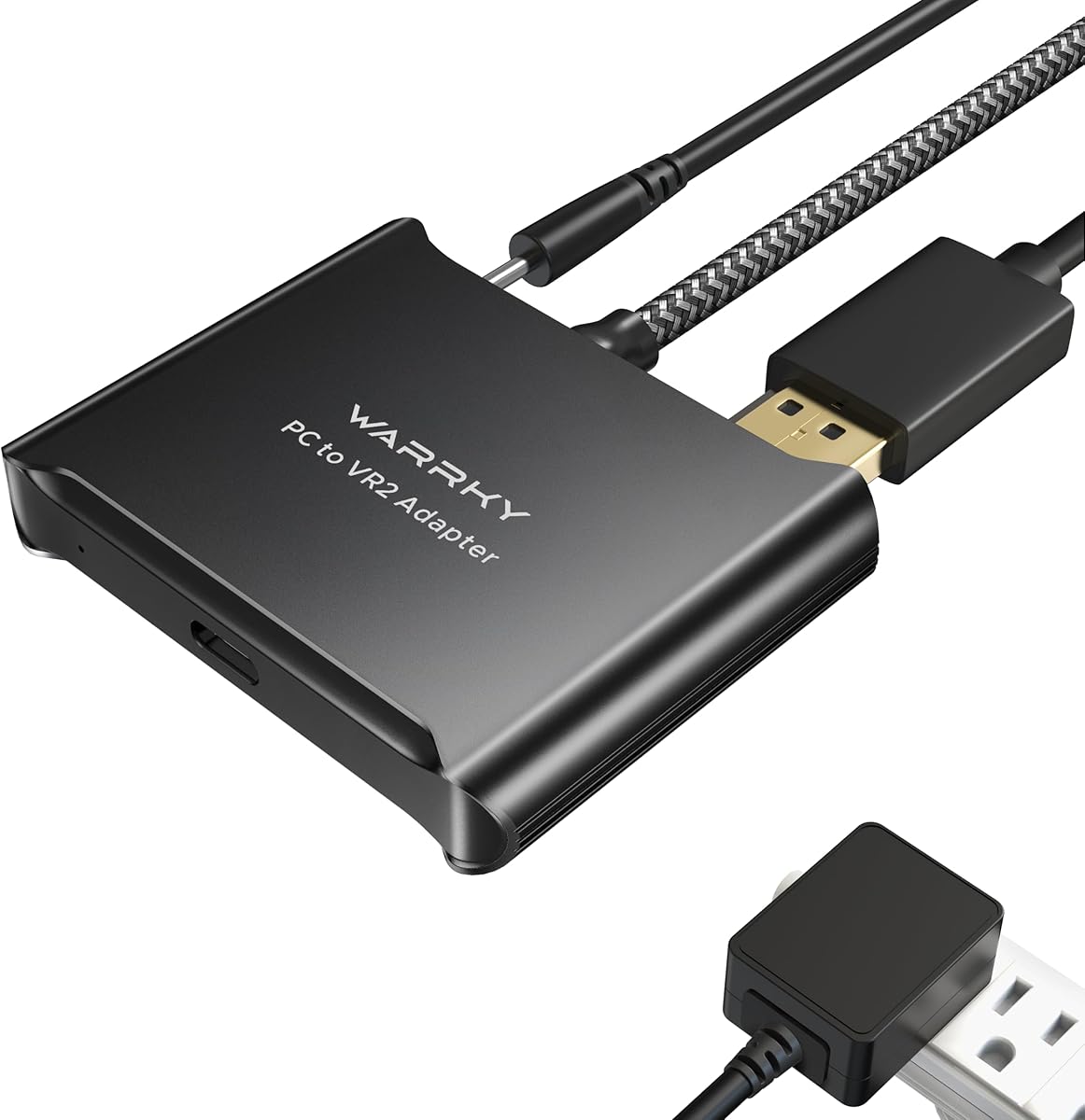
The Warrky PSVR2 PC Adapter is a premium-styled complete adapter for PSVR2, AR glasses, and a compatible portable monitor. Its 3.8 rating places it in the middle of this list, but the physical design differentiates it from simpler alternatives through an aluminum shell, upgraded integrated circuit, and nylon-braided cable jacket.
We may earn a commission when you buy through this link, at no additional cost to you.
The aluminum enclosure is designed to improve heat dissipation and reduce overheating concerns during extended use. The braided jacket is intended to resist fraying, heat-related wear, and kinking. Those features make sense for a permanent PC installation where the adapter and its cables may remain connected between VR sessions.
The package includes the PSVR2 PC adapter, a DisplayPort 1.4 cable, a 15-watt official-standard AC power supply, and a manual. Its broader use case includes SteamVR games, movies, and 3D content viewed through Bigscreen, as well as other software available to compatible PC VR systems.
The rating is the main reason this is not the leading recommendation. Buyers should also note that the adapter is explicitly incompatible with PS4, PS5, and PS5 Pro. It is best for a PC-focused owner who values enclosure quality, included power hardware, and online technical support over relying on a simple low-cost USB receiver.
The aluminum shell is specifically described as improving heat dissipation and helping prevent overheating. That makes the adapter more interesting for users who expect the headset and PC adapter to remain connected during longer play sessions.
The listing highlights SteamVR content, Bigscreen viewing, and the broader PC software ecosystem. This positions the Warrky adapter as a bridge for entertainment and compatible applications rather than only a standard headset accessory.
We may earn a commission when you buy through this link, at no additional cost to you.
The YCE PSVR2 PC Adapter is the strongest all-around choice for a user who wants to connect PlayStation VR2 to a PC. Its 4.2 rating reflects a generally positive reception, while its specification sheet covers the full connection chain: headset power, video, USB data, and controller communication.
We may earn a commission when you buy through this link, at no additional cost to you.
The listing states that the adapter uses the same IC module as the official version. Setup is described as a straightforward process involving the manual, the appropriate connections to the PSVR2 and PC, and several software settings. That is more approachable than asking buyers to assemble an entirely custom linking solution.
Power is delivered through a regulated 5.1-volt output, which the manufacturer says helps prevent malfunctions, flickering, and degradation caused by unstable voltage. The DisplayPort interface supports 4K resolution and 120Hz refresh-rate transmission, while the USB 3.0 connection is intended to synchronize controller inputs and headset sensor data quickly.
The bundle includes a 150-millimeter DisplayPort 1.4 cable and a 5.1-volt power adapter. It is the top general recommendation because it addresses the whole PC VR link rather than only audio or generic Bluetooth. Buyers still need suitable software and a compatible PC, but the hardware itself is presented as a coherent, relatively simple solution.
A stable 5.1-volt supply is one of the most important practical features in a compact PC VR link. The manufacturer specifically links consistent voltage with reduced equipment malfunction, screen flicker, and performance degradation.
The DisplayPort and USB 3.0 interfaces handle different parts of the experience: the former carries the visual output, while the latter supports controller and sensor communication. Using both in one adapter reduces the number of separate roles the system must perform.
We may earn a commission when you buy through this link, at no additional cost to you.
The UGREEN USB Bluetooth 5.3 Adapter is a highly rated general receiver for Windows computers. Its 4.4 rating is second only to the TP-Link UB500 among the general-purpose dongles here, and it combines modern Bluetooth, broad device support, and a compact form factor.
We may earn a commission when you buy through this link, at no additional cost to you.
The adapter uses upgraded Bluetooth 5.3 BR/EDR technology, which the manufacturer associates with more stable data transfer, reduced signal interruption, and lower power consumption. It can support up to five different types of simultaneously connected Bluetooth devices, including a mouse, keyboard, phone, and headphones, provided they are not multiple units of the same audio-device type.
Windows 8.1, 10, and 11 systems can use it without manually installing a driver. The product is not compatible with Windows 7, Linux, or macOS, and it cannot be used directly with PS3, PS4, PS5, Switch, or Xbox consoles. It also cannot function as a transmitter, which rules it out for sending audio from a console to wireless headphones.
For a PSVR2 PC arrangement, this is a possible PC-side Bluetooth receiver rather than a complete headset adapter. It offers an attractive general-purpose option for users who also want mouse, keyboard, phone, and headset connectivity. Disable any built-in Bluetooth radio in Device Manager before insertion to avoid conflicts.
The ability to connect several device types at once makes the UGREEN dongle more useful outside VR. A PSVR2 owner can use the same compact receiver for everyday peripherals without occupying several USB positions.
Driver-free operation on Windows 8.1, 10, and 11 reduces setup friction. The limitation is equally clear, however: the product is a Windows receiver and offers no macOS, Linux, console, television, or automotive support.
We may earn a commission when you buy through this link, at no additional cost to you.
The UGREEN USB-C Bluetooth 6.0 is a wireless-audio transmitter for PCs, iMacs, PS5 systems, and compatible gaming setups. Its 4.1 rating is solid, but its role should be understood precisely: it adds Bluetooth headphone or speaker output rather than creating a full PlayStation VR2-to-PC video and tracking connection.
We may earn a commission when you buy through this link, at no additional cost to you.
Its Qualcomm QCC3086 Bluetooth 6.0 chip is designed for quick pairing and stable communication, while LE Audio offers separate low-latency and high-quality modes. The low-latency mode is intended to keep audio and video synchronized, whereas high-quality mode emphasizes clearer detail for music. Compatible headphones must support LE Audio and LC3 to use the newer mode.
The adapter supports aptX Adaptive, aptX HD, aptX, and SBC. Classic Bluetooth can pair with two devices, while LE Audio supports one-to-many broadcasting for shared listening. Auracast-compatible headphones can switch from Unicast to Auracast mode using the side toggle.
This is worth considering if the main problem is getting low-latency Bluetooth sound from a PC. It is not suitable for mice, keyboards, microphones, controllers, or data devices, and it cannot carry a PSVR2 image to the headset. Buyers should treat it as a complementary audio accessory rather than a substitute for a dedicated PSVR2 PC adapter.
Switching between low-latency and high-quality modes is valuable because gaming and music benefit from different priorities. The dedicated mode controls make it easy to choose the intended emphasis instead of relying on a single fixed profile.
Support for aptX Adaptive, aptX HD, aptX, and SBC broadens the range of compatible wireless headsets. Remember that the receiving headphones must independently support the selected standard for its benefits to be available.
We may earn a commission when you buy through this link, at no additional cost to you.
The UGREEN USB-C Bluetooth Adapter provides another route to wireless gaming audio, with a 4.4 rating and a focus on aptX low-latency performance. It is designed to send sound from a USB-C-equipped PS5, Switch, PC, or laptop to compatible Bluetooth headphones or speakers.
We may earn a commission when you buy through this link, at no additional cost to you.
The included status LEDs identify the active decoding mode. Supported profiles include aptX, aptX Adaptive Low Latency, aptX Adaptive High Quality, aptX HD, and SBC. The low-latency encoder is certified to reduce delay below 100 milliseconds, which is intended to keep gameplay audio synchronized with on-screen action.
Unlike a full PSVR2 PC adapter, this device handles only audio. It does not support input devices, and the listing specifically states that the headphones must support the same codec for the selected mode. The PS5 Portal is also excluded, and enabling Bluetooth calling through the multifunction button may reduce audio quality.
For a PC VR setup, it can be useful when the physical PC link is handled elsewhere and the remaining requirement is wireless sound. It supports Windows and macOS, though not Linux, and does not support PS4. Its strong rating and simple installation make it appealing for users who clearly need an audio transmitter rather than another receiver.
The sub-100-millisecond claim for the low-latency aptX encoder gives this adapter a clear gaming focus. The actual result still depends on the paired headset, source application, and operating system, but the hardware is clearly optimized for synchronized play.
No drivers or special software are required for the advertised basic function. That makes it a convenient way to add Bluetooth headphones to a compatible computer or console without replacing the main device.
We may earn a commission when you buy through this link, at no additional cost to you.
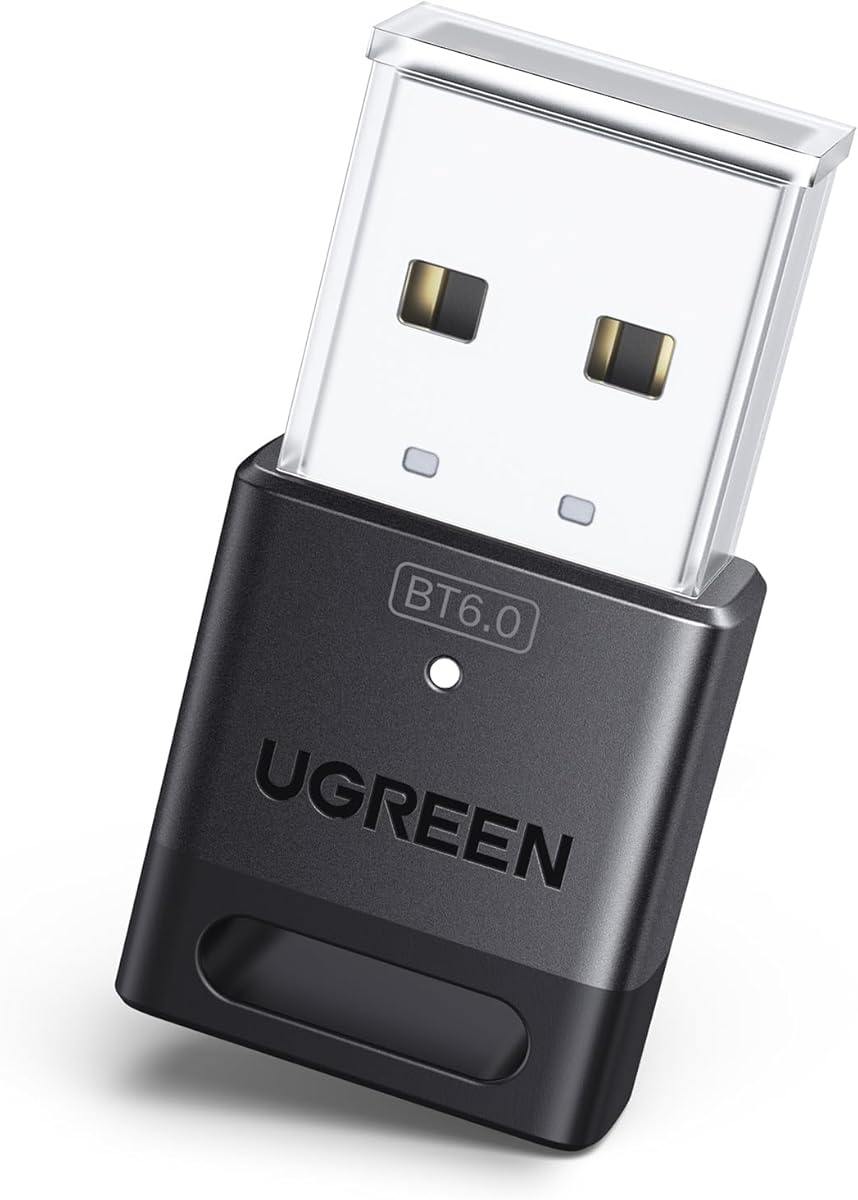
The UGREEN USB Bluetooth 6.0 is a compact Windows receiver built around the latest Bluetooth generation represented in this guide. Its 4.2 rating gives it a favorable middle position, and the product is aimed at users who want current Bluetooth capabilities for desktop peripherals and compatible controllers.
We may earn a commission when you buy through this link, at no additional cost to you.
Bluetooth 6.0 EDR is presented as providing faster transfers, smooth audio and video streaming, and efficient handling of larger files. The adapter remains backward compatible with Bluetooth 5.4 and 5.3, while EDR and BLE technologies support enhanced data rates and energy-conscious operation.
As with the UGREEN 5.3 model, up to five different device types can be connected simultaneously without interference. Two audio receivers of the same type should not be expected to play music at once. Windows 8.1, 10, and 11 systems can use the receiver without driver installation, but Linux, macOS, and Windows 7 are excluded.
For PSVR2 use, this can supply general PC Bluetooth connectivity but cannot act as a display adapter or direct console receiver. Existing Bluetooth hardware must be disabled to prevent a driver conflict. It is best selected by users who want a modern, multipurpose Windows receiver and do not need PSVR2 video or direct console support.
Bluetooth 6.0 provides the adapter's headline specification, while backward compatibility keeps it useful with devices operating under Bluetooth 5.4 and 5.3. That combination is useful for a mixed household of peripherals.
The receiver can handle a varied set of peripherals, from keyboards and mice to phones and audio devices. Keeping those connections behind one compact USB receiver helps simplify a busy desktop setup.
We may earn a commission when you buy through this link, at no additional cost to you.
This second YCE PSVR2 PC Adapter listing offers a 4.2 rating and a concise version of the same core design found at rank four. It uses an official-style IC module and combines DisplayPort video, USB 3.0 data, and regulated power in a dedicated bridge for PSVR2 and compatible AR glasses.
We may earn a commission when you buy through this link, at no additional cost to you.
Its visual claims center on 4K resolution and a 120Hz refresh rate, intended to take advantage of the headset's display capabilities when the source computer and software can support those modes. The USB 3.0 interface is described as quickly transferring data so that controller actions and sensor information remain responsive.
The adapter supplies a stable 5.1-volt output to reduce the risk of equipment failure, image flicker, and performance degradation associated with inadequate or fluctuating power. It is also presented as supporting SteamVR games, educational programs, simulation software, and creative applications.
This listing is especially attractive for buyers who want the dedicated YCE design and do not need the rank-four package's stated inclusion of the 150-millimeter DP cable and 5.1-volt power adapter. Confirming the exact box contents before ordering is important. With the same 4.2 rating and strong technical feature set, it remains a strong PSVR2-focused recommendation.
DisplayPort connectivity and support for up to 4K120 are the adapter's standout visual specifications. The source GPU, cable, and SteamVR application must also be capable of presenting the desired output mode.
Combining regulated headset power with a high-speed USB data path allows one product to support both visual operation and controller responsiveness. That consolidation is central to its appeal as a complete PC adapter.
We may earn a commission when you buy through this link, at no additional cost to you.
The PSVR2 PC Adapter Accessories Kit is a dedicated PC solution with a 4.0 rating and a broad compatibility focus. It is designed to connect PSVR2 with a PC, carry the headset image through DisplayPort, and provide the data connection needed for controller interaction and sensor communication.
We may earn a commission when you buy through this link, at no additional cost to you.
Its DisplayPort 1.4 implementation is rated for 4K120 when used with a compatible graphics card that meets the applicable SteamVR requirements. The USB 3.0 interface handles data quickly, while a regulated 5.1-volt output is intended to provide consistent headset power and prevent failures or flicker associated with voltage fluctuations.
The adapter can expose the wider PC VR ecosystem, including SteamVR games, educational applications, simulation software, and other immersive content. It also supports compatible AR glasses and other USB-C devices using DisplayPort Alternate Mode, giving it a broader role than a headset-only accessory.
Its rating is lower than those of the leading complete adapters, and the promised high-refresh mode depends on the entire PC configuration. Buyers should check graphics-card capability, software requirements, and physical connections before buying. Within those limits, it is a practical choice for users who value a complete PSVR2 link, flexible display support, and stable power.
The adapter's bandwidth supports 4K120 output when the GPU, software, and VR title can drive that mode. This is not an automatic guarantee, so the complete PC configuration matters when evaluating the headset image.
DisplayPort Alternate Mode support allows the kit to serve compatible AR glasses and other USB-C displays. That flexibility may make it more appealing to users who regularly move between different immersive and portable devices.
We may earn a commission when you buy through this link, at no additional cost to you.
A useful PSVR2-to-PC purchase must do more than provide Bluetooth. The important distinctions are video transport, stable power, controller data, operating-system support, and whether the product is a complete adapter or an accessory for a separate setup.
A complete PSVR2 PC adapter is the relevant choice for most people trying to use the headset with a desktop or compatible laptop. These products combine the physical bridge, DisplayPort video path, power connection, and high-speed USB data link. A standard USB Bluetooth dongle only handles wireless communication and cannot by itself carry the headset image or power the headset as part of a full PC VR link.
Choose a complete adapter for the primary PSVR2 task. Choose a general receiver only when another adapter already handles video, power, and wired data, and the remaining need is a dependable PC-side controller connection.
DisplayPort 1.4 is the key specification for a modern PC VR link. Several products in this guide advertise support for 4K120, which is relevant to the PSVR2 display and high-refresh VR experiences. The advertised mode still depends on a compatible graphics card, appropriate software, a suitable cable, and the individual application.
Prioritize an adapter with a proper DisplayPort 1.4 interface rather than assuming every USB-C port on a computer can drive a headset. Check the PC specifications and the resolution and refresh-rate limits of the VR software before installation.
VR setups are sensitive to power fluctuations. The dedicated adapters in this list use regulated 5.1-volt output or a listed 15-watt power arrangement, with manufacturers describing stable power as a way to avoid malfunctions, screen flicker, and performance degradation. The supplied power component and its wattage should match the adapter design.
Use the included or specified power supply rather than assuming any USB-C charger will work. A stable connection begins with reliable power, particularly for extended sessions where heat and sustained load become more significant.
Bluetooth 5.3, 5.4, and 6.0 appear among the general receivers, while dedicated PSVR2 adapters focus on stable controller pairing through their integrated or supplied receiver. Newer versions can improve efficiency and device support, but the version label alone does not make a dongle a full PSVR2 adapter. Transmitter and receiver roles also matter: several UGREEN products can only receive, while the USB-C models transmit audio to headphones.
Confirm that the product performs the direction of communication you need. A PC-side controller receiver and a console-to-headphone audio transmitter solve very different problems.
The TP-Link UB500 and UGREEN USB receivers are designed primarily for Windows computers. Their listings exclude macOS and Linux, and the TP-Link additionally notes that Windows 7 needs a downloaded driver. The USB-C audio adapters have broader operating-system claims, with some supporting both Windows and macOS while excluding Linux.
Match the adapter to the exact operating system rather than assuming USB implies universal compatibility. Also verify whether the product supports video, data, audio, or only Bluetooth peripherals.
A complete PSVR2 package should ideally include the DisplayPort cable, power lead, receiver where required, and instructions. The STARTRC GAMES and Warrky listings explicitly include those core components. Some YCE listings also specify a DP 1.4 cable and 5.1-volt power adapter, but buyers should confirm the contents of the particular variation offered.
Check the box list before ordering. A lower-cost listing may omit a cable or power supply that is assumed to be available separately, which can make the complete setup more expensive and less convenient.
The Warrky adapter differentiates itself with an aluminum shell intended to improve heat dissipation and a nylon-braided cable jacket designed to resist fraying and kinking. These are meaningful considerations for hardware that stays connected during lengthy sessions and has cables routed around a desk or entertainment area.
Physical construction matters, but it should be weighed against practical compatibility and support. A durable enclosure cannot compensate for a product that lacks the required ports, power, or system support.
Dedicated adapters still depend on appropriate PC software. The STARTRC GAMES product specifically references downloading SteamVR and the free PSVR2 app from Steam, while the other complete adapters describe manual-guided software configuration. The PC must also meet the graphics and SteamVR requirements for the desired VR experience.
Treat the adapter as one part of a complete ecosystem. Confirm that the required software is available for your system, that your GPU meets the target game's needs, and that your controllers and headset are recognized before considering the setup finished.
Begin by identifying the adapter's role. A dedicated PSVR2 PC adapter should be installed with the headset disconnected, while a general USB receiver should be inserted into the PC after any built-in Bluetooth radio has been disabled in Device Manager. For audio-only transmitters, install the adapter first and complete the headset pairing afterward.
For a dedicated setup, follow the included manual to connect the adapter to the PC, attach the specified DisplayPort and power cables, and then install the required SteamVR and PSVR2 software. Wireless controllers generally require pairing through the PC's Bluetooth settings. For a USB-C audio adapter, select the appropriate sound output and choose a low-latency or high-quality mode based on whether you are gaming or listening to music.
Keep the PC adapter and its cables supported rather than tightly bent, and allow ventilation around any enclosure that warms during use. Inspect connectors for dust, reconnect the DisplayPort and power leads if the image flickers, and update the relevant PC Bluetooth driver or adapter software when the manufacturer provides a newer version. Before each major session, test tracking, video, sound, and controller movement individually.
A regular USB Bluetooth dongle can provide the PC-side Bluetooth function for compatible controllers, but it cannot carry the PSVR2 video image or provide the complete physical and power connection by itself. A dedicated PSVR2 PC adapter is the more appropriate solution for using the headset with SteamVR and other PC VR software. A general receiver can still be useful as a supplement within a setup that already has a complete adapter.
Both are dedicated PSVR2-to-PC products with DisplayPort and power connections, but the WARRKY listing places particular emphasis on its aluminum heat-dissipation shell and braided cable jacket. The YCE listings emphasize an official-style IC module, regulated 5.1-volt power, USB 3.0 data transfer, and support for high-resolution, high-refresh DisplayPort output. Buyers should compare the exact box contents, support terms, and current customer feedback.
A newer Bluetooth standard can improve general wireless performance, but the specification number alone does not make a dongle suitable as a full PSVR2 adapter. The critical functions are controller pairing, video over DisplayPort, data over USB, and stable power to the headset. A complete adapter with those capabilities matters more than the Bluetooth generation alone.
The UGREEN USB-C models described here are audio transmitters, and their listings explicitly exclude mice, keyboards, and other data devices. They are best used to send sound from a PC or compatible console to wireless headphones or speakers. They should not be treated as substitutes for a PSVR2 controller receiver or full headset display adapter.
The TP-Link UB500 and the listed UGREEN USB receivers are Windows-oriented products, and their specifications exclude macOS and Linux. The UGREEN USB-C audio transmitter at rank seven states support for Windows and macOS but not Linux. Always verify the operating-system requirements on the specific product page because support can differ between adapter models and revisions.
A conflict with the computer's built-in Bluetooth radio is a likely cause. The TP-Link and UGREEN listings recommend disabling the existing internal Bluetooth device in Device Manager, unplugging and reconnecting the USB adapter, and then retrying. If the warning persists, check the manual, confirm operating-system support, and remove duplicate Bluetooth drivers or devices.
A complete setup normally requires a DisplayPort 1.4 connection, suitable power for the headset, a high-speed USB data path, SteamVR, and the appropriate PSVR2 PC application. The dedicated kits in this guide include varying combinations of these items, so confirm the exact box contents. Your GPU and the selected VR title must also satisfy their own resolution, refresh-rate, and performance requirements.
The YCE PSVR2 PC Adapter is the strongest all-around pick because it combines an official-style module, DisplayPort connectivity, USB 3.0 data transfer, and regulated power. The WARRKY model is particularly interesting for its aluminum construction, while the STARTRC GAMES kit stands out for including a dedicated Bluetooth receiver and complete connection accessories.
The YCE PSVR2 PC Adapter is the best overall option because it addresses the full PC VR connection with regulated power, DisplayPort video, and USB 3.0 data. The WARRKY PSVR2 PC Adapter stands out for premium physical construction and heat dissipation, while the STARTRC GAMES kit is notable for its dedicated Bluetooth receiver and included accessories.
For buyers who only need a PC-side Bluetooth receiver, the TP-Link UB500 combines a strong customer rating with a compact form and modern Windows support. The UGREEN USB receivers offer similar utility with newer Bluetooth generations. The UGREEN USB-C models serve a different purpose: transmitting low-latency Bluetooth audio rather than connecting a PSVR2 headset.
Before buying, verify operating-system support, required cables, included power hardware, GPU capability, and SteamVR readiness. Current prices and availability can change, so check the latest listing and customer feedback when the final purchase decision is made.